A barbershop that takes walk-ins needs one shared view of every barber’s status: who is free, who is cutting, and how many customers each has served today. With bookings and walk-ins on the same calendar, the front desk can give the next customer to a barber who is actually free, instead of guessing or letting whoever is nearest the door take them.
Why “who is free?” is a daily problem in barbershops
- Most customers just walk in. Bookings and walk-ins arrive at the same time, and the calendar only shows half the picture.
- Barbers finish at different speeds. A fade takes longer than a simple trim, so the order of the queue keeps changing.
- Regulars wait for their barber. Some customers will only sit with one barber, which makes the line harder to manage.
- Fairness is visible. Barbers notice quickly if one person keeps getting the next customer.
- Owners are not always in the shop. Without a shared view, nobody outside the shop knows how busy it is.
In a shop full of walk-ins, the problem is not being busy but being disorganised: who takes the next customer and who is free is left to guesswork. Once every barber’s status can be seen at a glance, assigning customers becomes simple and fair.
William Tang, Founder, MyBMS Pro
Four steps to run walk-ins smoothly
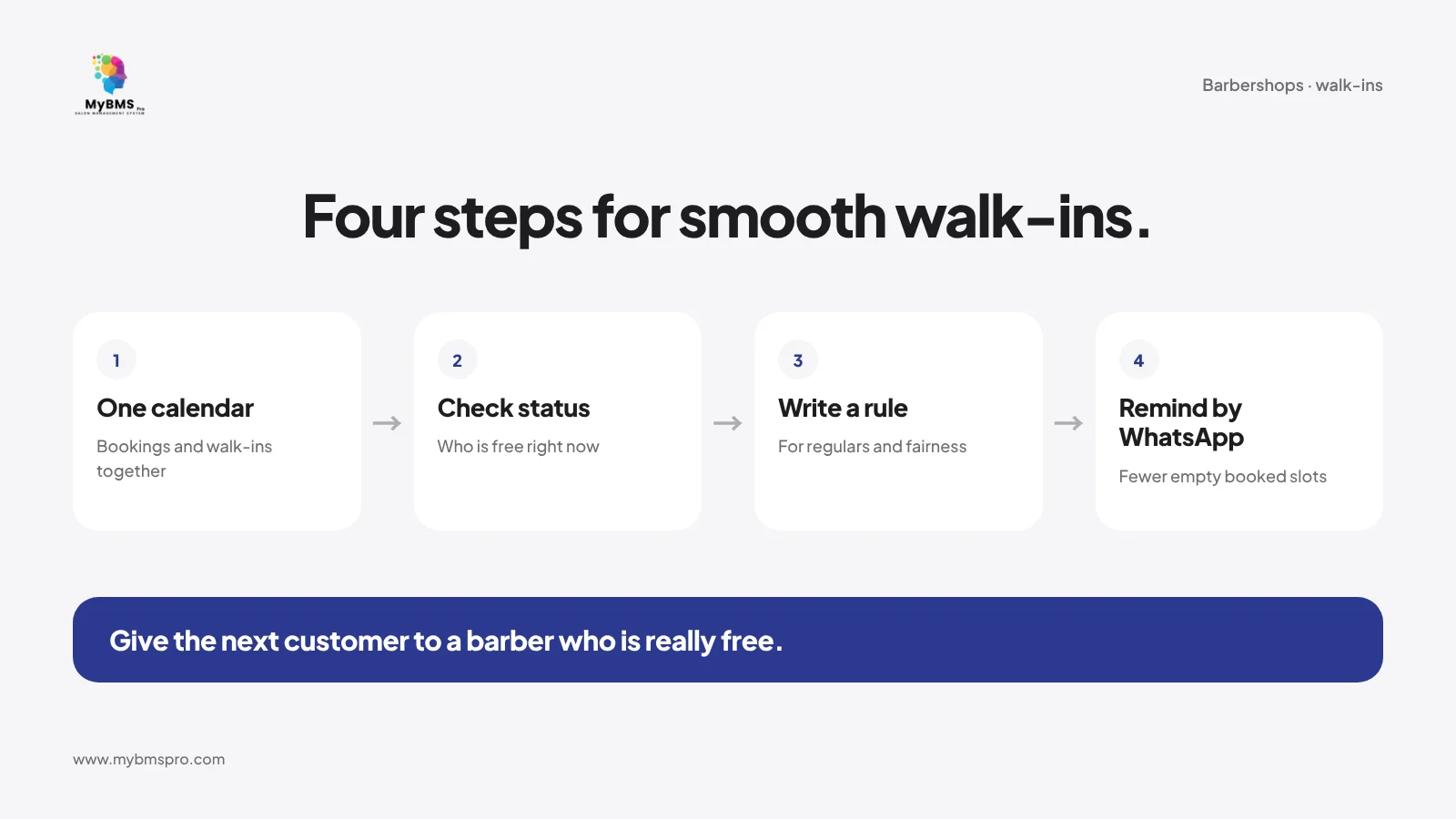
- Put bookings and walk-ins in one place. Let customers book online and record walk-ins as they arrive, so the front desk sees the whole day.
- Check each barber’s status before assigning. A real-time view of who is free and who is serving tells the front desk who can take the next customer.
- Write a rule for regulars and fairness. Decide how a customer who asks for a particular barber is handled, and how the next walk-in is given when several barbers are free.
- Remind booked customers by WhatsApp. Fewer no-shows means booked slots do not sit empty while walk-ins wait.
For busy festive weeks, read salon peak season booking clashes. For choosing a booking system in general, see salon booking system Malaysia.
What to watch at the end of the day
- Customers served by each barber today, to check that walk-ins were shared fairly.
- Daily customer flow, to see which days and times are busiest and plan staffing around them.
- This month’s top performers, if you share a ranking with your team. Read how to do that without customer-grabbing in salon staff leaderboards.
How MyBMS Pro helps barbershops see who is free
MyBMS Pro is an AI-driven, next-generation SaaS management hub specifically designed for multi-branch beauty salons. For barbershops, these features work together:
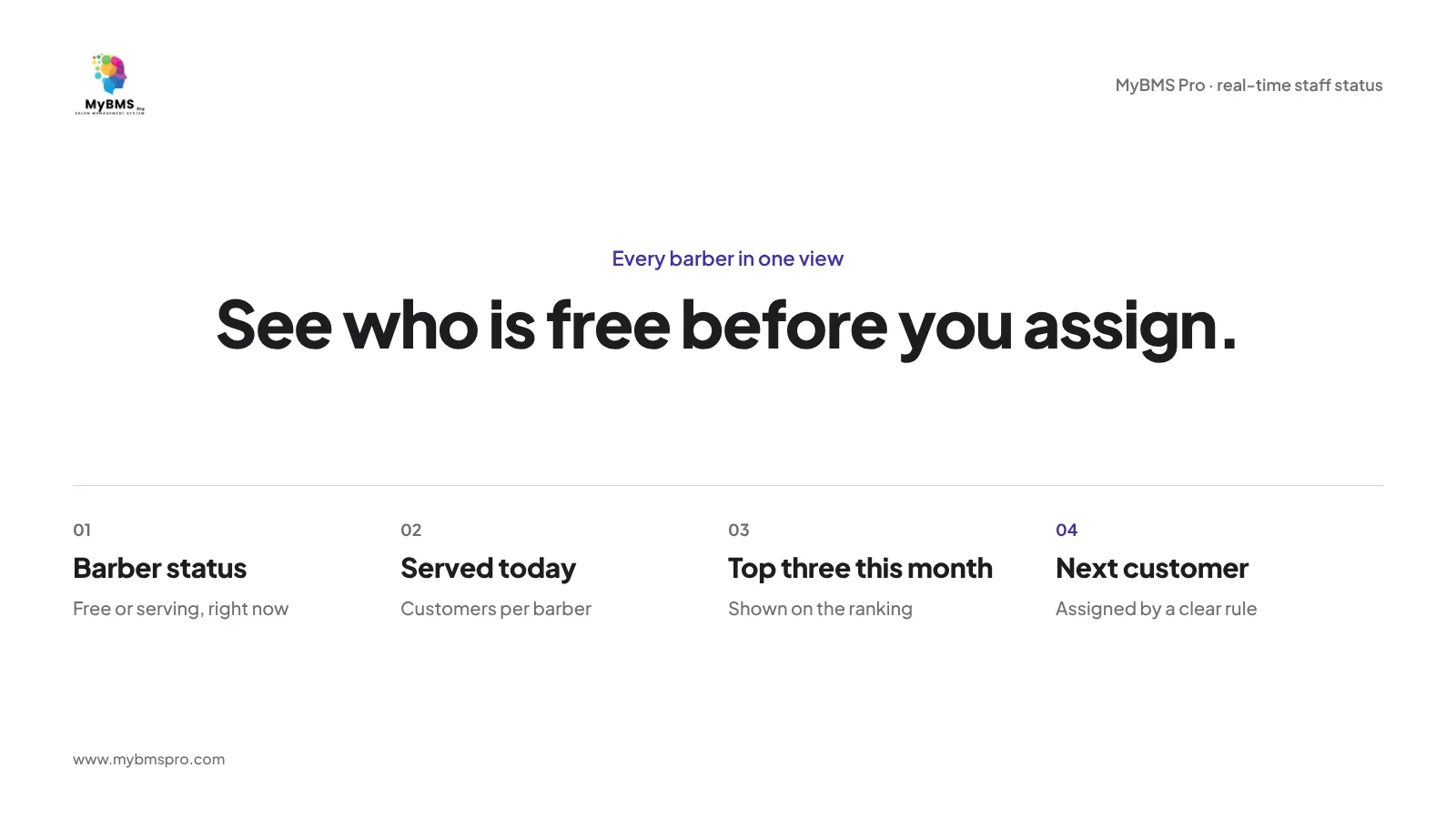
- Real-time staff status and ranking. Shows which barbers are free or serving, customers served today, and this month’s top three.
- Online booking and WhatsApp reminders. Customers book online and receive reminders by WhatsApp.
- AI business dashboard. Daily customer flow, revenue trend and target achievement in one view.
MyBMS Pro is a web-based system used in the browser.
FAQ
How can a barbershop know which barber is free?
Keep every barber’s status in one shared view, showing who is free and who is serving, and record walk-ins and bookings in the same place.
How do I handle walk-ins and bookings at the same time?
Put both on the same calendar, assign walk-ins only to barbers who are free, and send WhatsApp reminders to booked customers so their slots are not wasted.
How do I share walk-ins fairly between barbers?
Write a simple rule for who takes the next walk-in when several barbers are free, and check customers served by each barber at the end of the day.
Is there a MyBMS Pro mobile app?
No. MyBMS Pro is a web-based system used in the browser.
See it in your own shop
Want to see every barber’s status at a glance? Book a free demo of MyBMS Pro and see real-time staff status, online booking and WhatsApp reminders working together.
See how MyBMS Pro runs bookings, POS, memberships and staff commission in one system — built for salons, spas, clinics and car grooming businesses in Malaysia.
Written by
William Tang · Founder & CEO, BMS Solution Sdn. Bhd.
William Tang is the founder of BMS Solution Sdn. Bhd., the Malaysian company behind MyBMS Pro. He works hands-on with salons, spas, clinics and car-grooming businesses across Malaysia, helping them move bookings, POS, memberships and staff management onto one cloud platform.