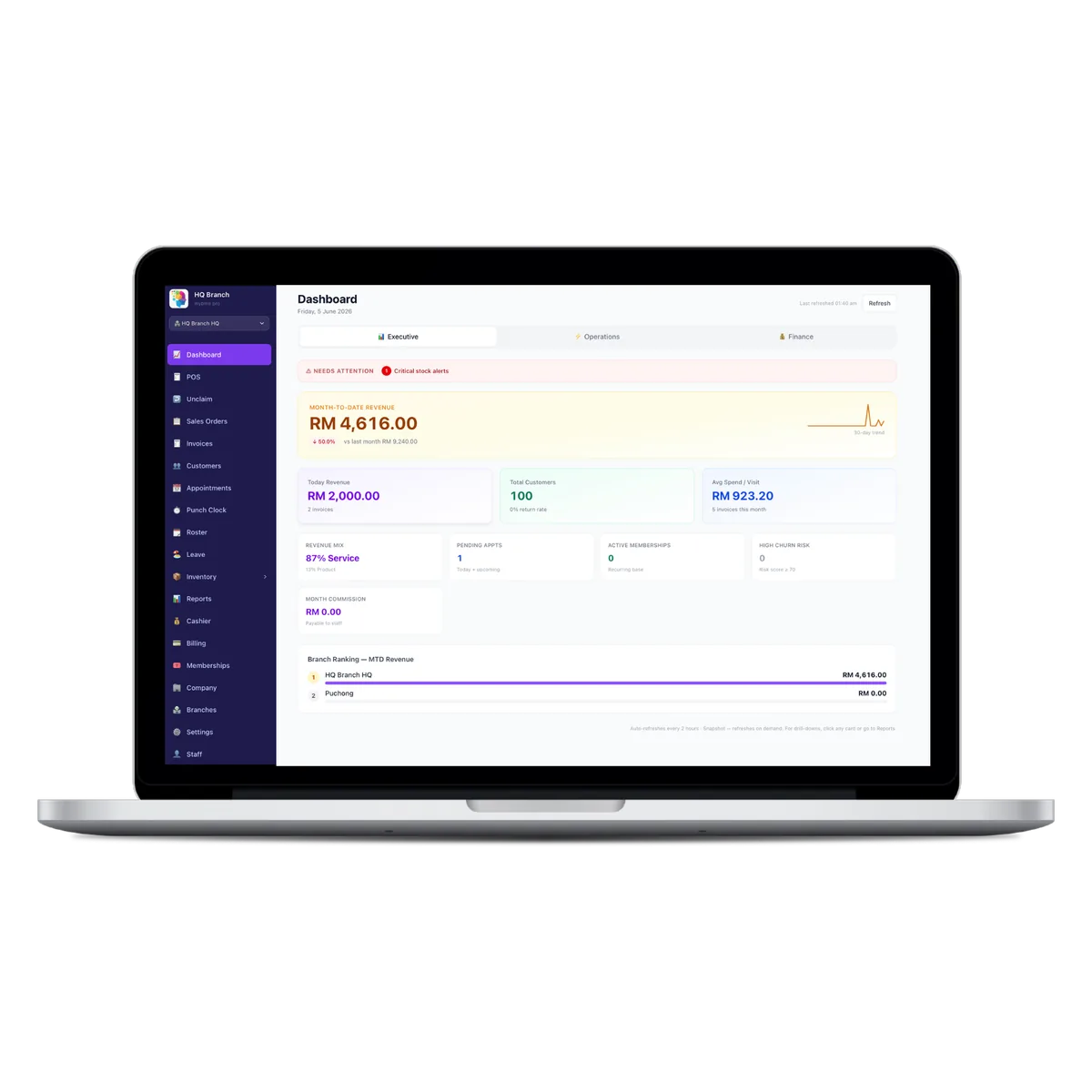
Plenty of successful Malaysian salons still run on a paper appointment book and a WhatsApp chat full of bookings. It works — until it does not: a lost book, a double-booking, a busy day nobody can reconstruct afterwards. Going digital is not about being fancy; it is about protecting the business you have already built. The mistake most owners fear is chaos during the switch. Done in the right order, it is calm. Here is the five-step plan.
Key takeaways
- ✓Going digital protects your data and your time — a paper book has no backup.
- ✓Start with bookings, the highest-pain area, before adding everything else.
- ✓Import your existing customers so you keep your history, not just start fresh.
- ✓Train staff in one short session — adoption, not features, decides success.
- ✓Go live gradually, running paper and digital together for a week or two.
Step 1 — Start with your biggest pain: bookings
Do not try to digitise everything at once. Begin where the pain is sharpest and the win is fastest — appointments. Move bookings into the system first, switch on WhatsApp confirmations and reminders, and you will feel the benefit (fewer no-shows, no lost book) within days. Everything else can follow.
Step 2 — Bring your customers with you
Your customer list is the most valuable thing you own. Before you go live, import your existing customers — names, phone numbers, and any history you have — so you start digital with your relationships intact rather than from zero.
Step 3 — Set up services, prices and staff
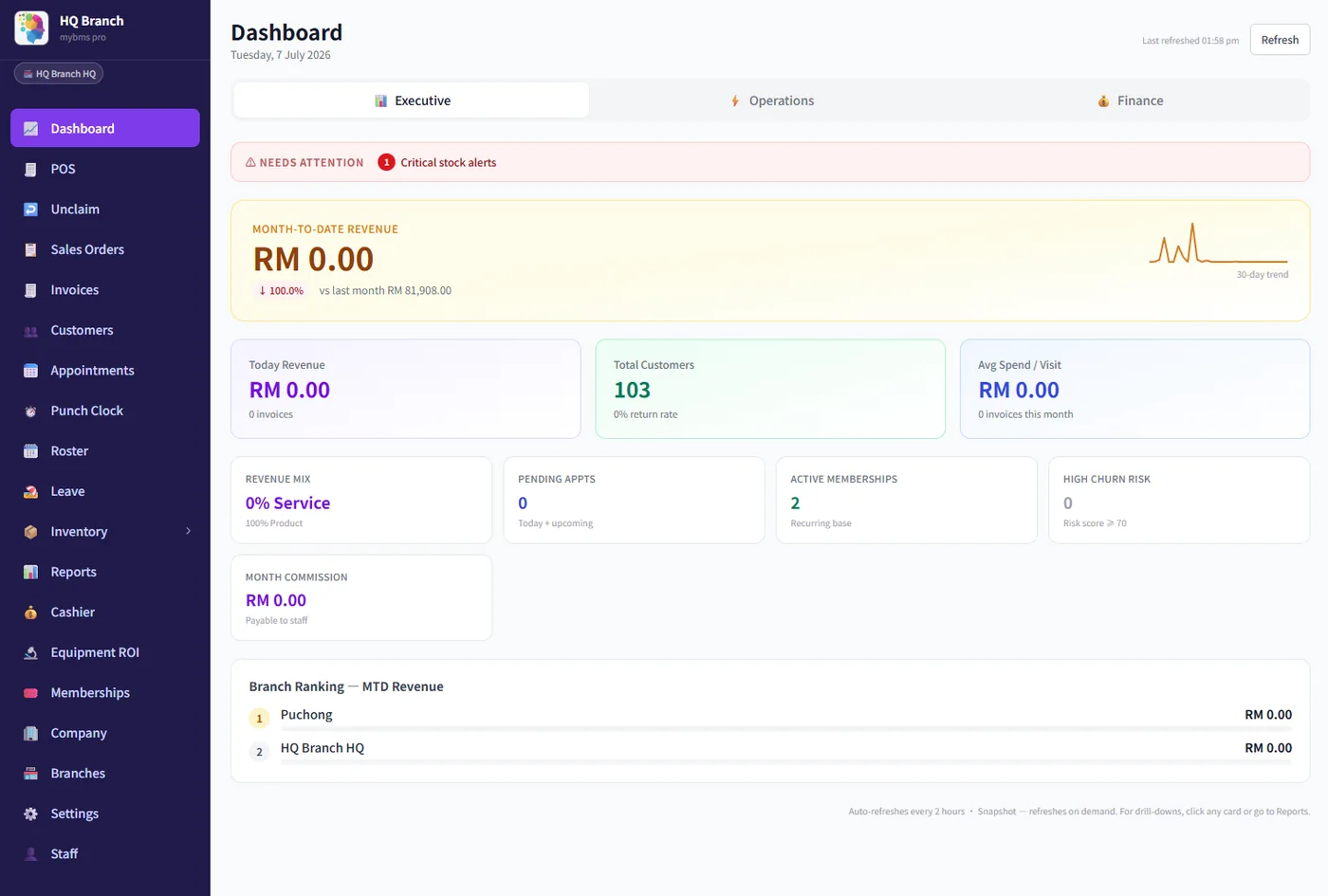
Spend an hour entering your service menu, prices and staff so the system matches how you actually work. This is also the perfect moment to tidy up: remove services you no longer offer, fix inconsistent pricing, and set staff commission rules once so payday runs itself later.
Step 4 — Train the team (it takes less than you think)
Rollouts fail on adoption, not software. One short hands-on session usually does it: how to take a booking, ring up a sale, and check the day’s schedule. Pick one confident staff member as the go-to helper for the first week and questions will sort themselves out.
Step 5 — Go live, then grow into the rest
Once bookings and POS are humming, add the rest at your own pace — memberships, inventory, marketing, multi-branch reports. The beauty of starting simple is that each new feature solves a problem you can already feel, so it never feels like a chore.
MyBMS Pro is built to make going digital calm, not chaotic — import your customers, start with bookings, and grow into the rest with hands-on local support in EN / 中文 / BM. Start a free 14-day trial or book a demo and we will help you plan the switch.
Written by
William Tang · Founder, BMS Solution Sdn. Bhd.
William Tang is the founder of BMS Solution Sdn. Bhd., the Malaysian company behind MyBMS Pro. He works hands-on with salons, spas, clinics and car-grooming businesses across Malaysia, helping them move bookings, POS, memberships and staff management onto one cloud platform.