Online booking does not create chaos by itself; unclear rules do. Before you open it, decide which services customers can book online, which therapists and time slots are open, how cancellations and late arrivals are handled, and who checks new online bookings every day. Start with a few simple services and widen it step by step. MyBMS Pro gives salons online booking with WhatsApp reminders, and HQ can also arrange bookings for each branch.
Why owners worry about opening online booking
Many salon owners like the idea of customers booking at midnight, but they worry about what happens next:
- The wrong service in the wrong slot. A customer books a short facial when she really needs a consultation first.
- Therapists booked who are not ready for that treatment. A newer therapist ends up with a treatment she has not been trained for.
- Empty slots from customers who forget. Online bookings feel easy to make and easy to forget.
- No one notices the booking until the customer walks in. The front desk is busy and the new booking is missed.
All four are rule problems, not technology problems.
My advice is to start small: open online booking for a few simple services first, and make sure someone checks new bookings every day. Clear rules matter more than the booking button itself.
William Tang, Founder, MyBMS Pro
Five rules to set before you open online booking
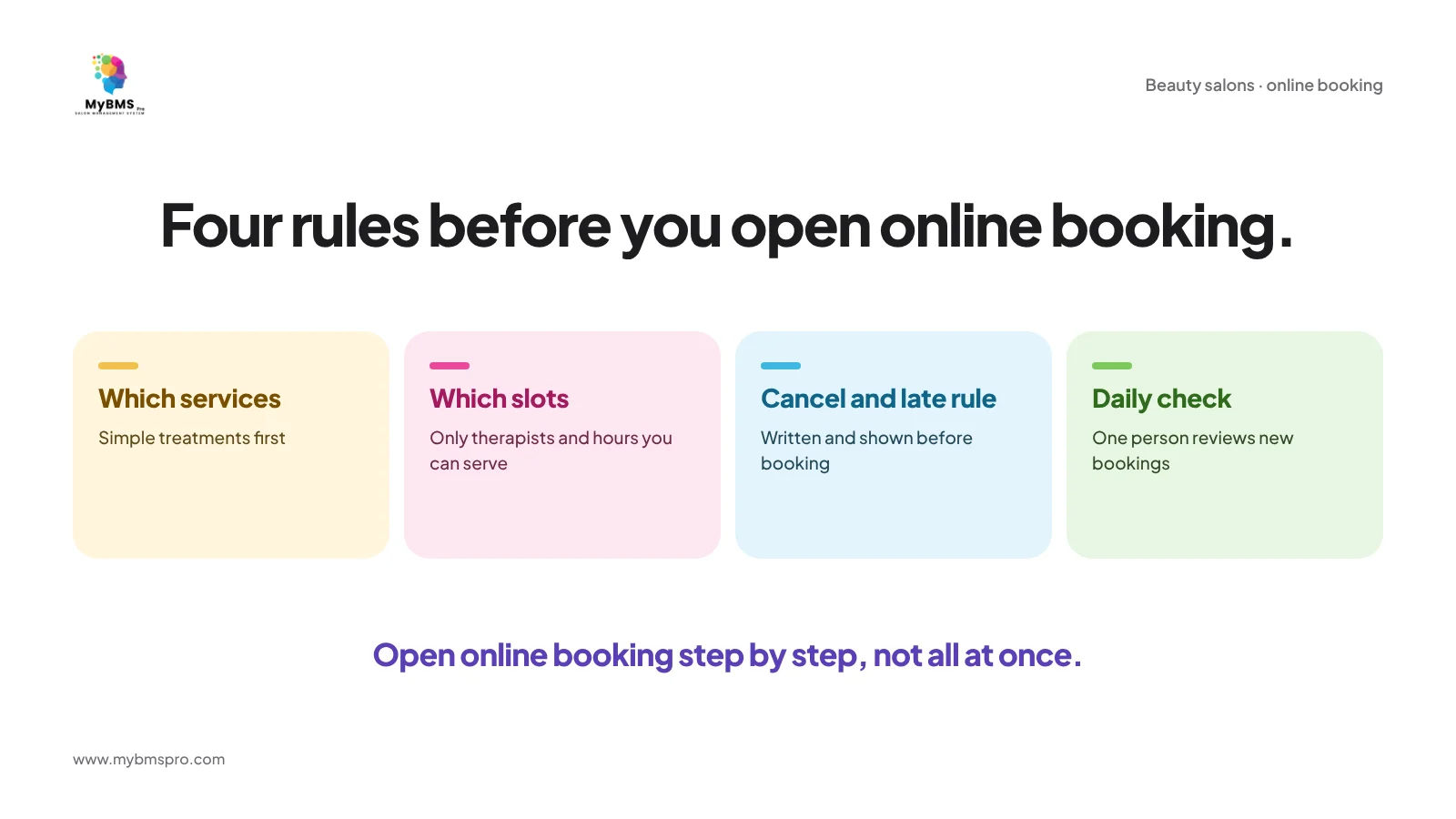
1. Choose which services go online first
Start with simple treatments that have a standard duration and need no consultation. Keep first-time treatments, machine treatments and anything that needs a skin check for the counter or a phone call until you are confident.
2. Open only the therapists and time slots you can really serve
Online slots should match the therapists who actually do that treatment and the hours they actually work. If a slot is often needed for walk-ins or regulars, keep it off the online calendar.
3. Write your cancellation and late-arrival rule
Decide what happens when a customer cancels late or arrives late, write it in one or two plain sentences, and show it where customers book. A rule that customers see before booking is easier to apply than one explained at the counter.
4. Remind every booking by WhatsApp
A reminder before the appointment gives the customer a simple way to confirm or change the time, so fewer slots are left empty. See our guide to reducing no-shows with WhatsApp reminders.
5. Give one person the daily check
Someone at each branch, or at HQ, should look at new online bookings every day: is the service right for this customer, is the therapist right, does anything need a call first?
Open it step by step
Run your first services online for a while, then review: which bookings worked, which needed a call, and which customers booked again. Add more services only when the first ones run smoothly. During busy seasons, the same rules matter even more; see how to stop booking clashes in peak season.
How MyBMS Pro supports online booking
MyBMS Pro is an AI-driven, next-generation SaaS management hub specifically designed for multi-branch beauty salons. For online booking, it keeps the booking and the follow-up together:
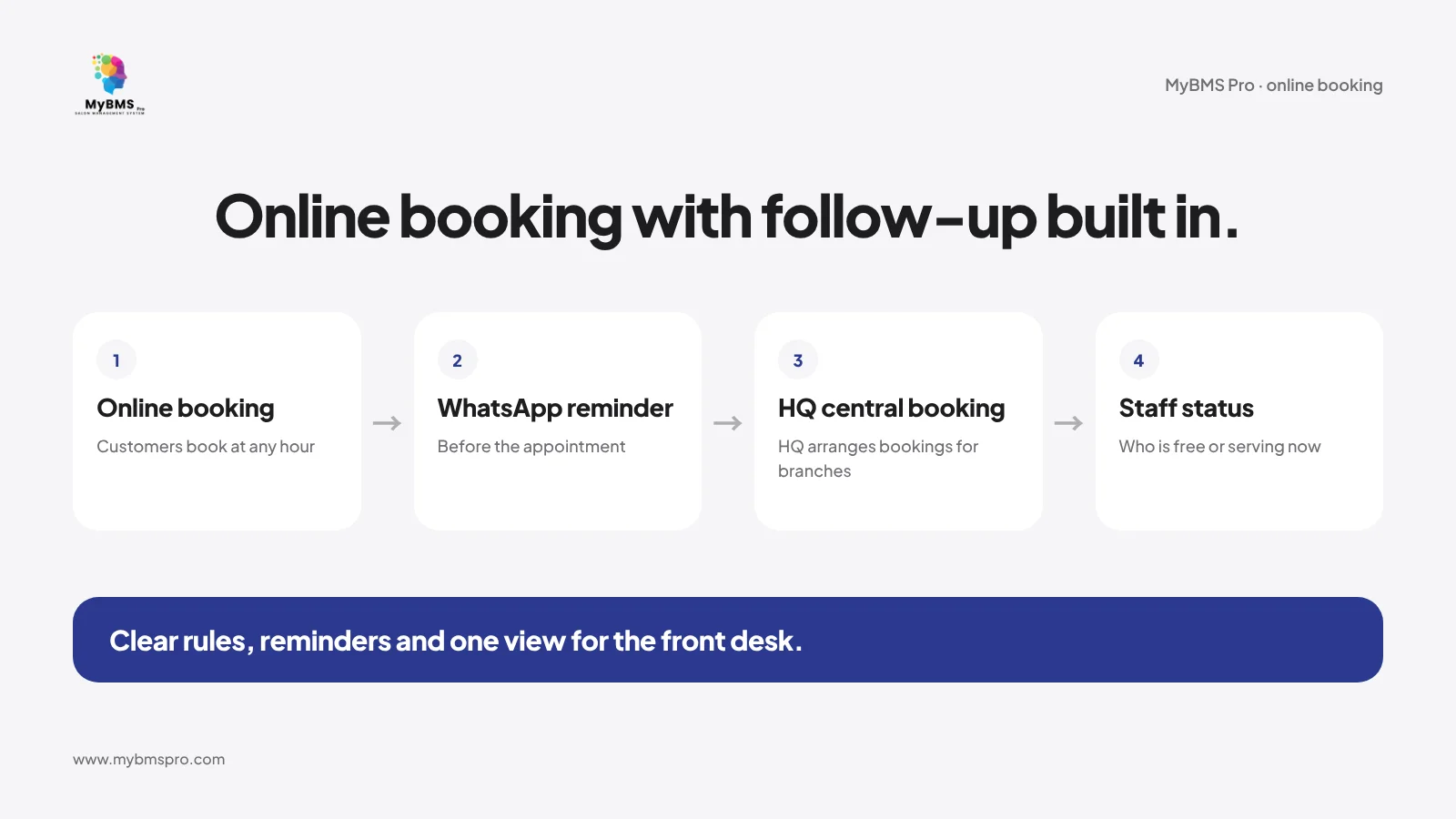
- Online booking and WhatsApp reminders. Customers can book online, and reminders are sent by WhatsApp before the appointment.
- HQ central booking. HQ can arrange bookings for each branch, so a central team can help customers who prefer to talk to someone first.
- Real-time staff status. The front desk sees which therapist is free or serving, which helps when online bookings and walk-ins arrive together.
- Online package sales and payment. Packages can be sold and paid for online as well.
MyBMS Pro is a web-based system used in the browser. See the beauty salon solution or read how salon chains run bookings from HQ. If you are still comparing systems, start with choosing a salon booking system.
FAQ
Should my salon allow customers to book online?
Yes, if you set clear rules first: which services, which therapists and time slots, a written cancellation rule, and one person who checks new bookings every day.
Which services should I open for online booking first?
Simple treatments with a standard duration that need no consultation. Keep first-time, machine and consultation-based treatments for the counter until online booking runs smoothly.
How do I reduce no-shows from online bookings?
Send a WhatsApp reminder before every appointment, show your cancellation rule before customers book, and follow up quickly when a slot is missed.
Can customers book with MyBMS Pro through a mobile app?
No. MyBMS Pro is a web-based system used in the browser, and it has no mobile app.
Open online booking with clear rules
Want to see how online booking and WhatsApp reminders work for your salon? Book a free demo of MyBMS Pro and bring the list of services you want to open online.
See how MyBMS Pro runs bookings, POS, memberships and staff commission in one system — built for salons, spas, clinics and car grooming businesses in Malaysia.
Written by
William Tang · Founder & CEO, BMS Solution Sdn. Bhd.
William Tang is the founder of BMS Solution Sdn. Bhd., the Malaysian company behind MyBMS Pro. He works hands-on with salons, spas, clinics and car-grooming businesses across Malaysia, helping them move bookings, POS, memberships and staff management onto one cloud platform.