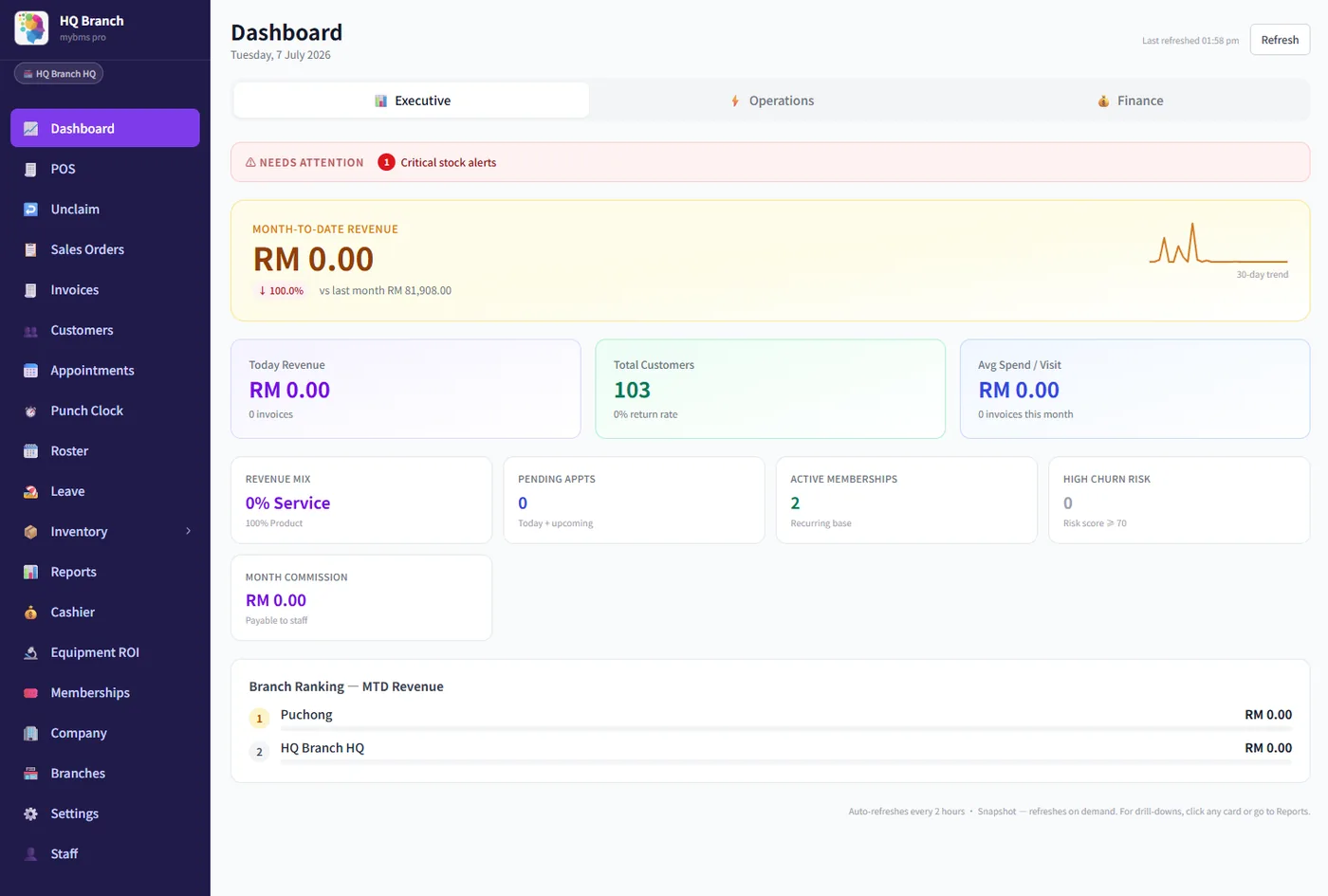
Switching salon software fails on data you cannot export and prepaid balances that do not reconcile — almost never on the new software. Request your export in writing while you are still a paying customer, reconcile outstanding package value to RM zero difference before you open the door, and keep the old system read-only for 30 days. MyBMS Pro imports your customers, services and staff, and most businesses are live within a few days.
Most salon owners in Malaysia spend weeks comparing systems and about an hour thinking about the move itself. That ratio is backwards. The comparison is reversible — you can still change your mind after a demo. The migration is not: once you have taken the first payment on the new till, every gap in what you brought across becomes an argument with a customer or a stylist. This is the checklist we use, written so it is correct whichever system you move to.
Key takeaways
- ✓Ask your current vendor for a full export before you give notice. Access often ends the day you cancel.
- ✓Outstanding prepaid value is a liability you owe. It must reconcile to a difference of RM 0, not “about right”.
- ✓Not everything should migrate. Re-count stock and close commission in the old system instead.
- ✓Cut over on a quiet weekday just after a commission period closes — never mid-period, never before a festive peak.
- ✓Keep the old system read-only for 30 days. One extra month of subscription is cheaper than one unresolvable dispute.
- ✓Migrations fail at the front desk, not in the database. Train on the till, not in a meeting.
Before you sign anything: can you actually get your data out?
This is the step almost everyone does last, and it is the only one with a deadline you do not control. Ask your current vendor, in writing and while you are still paying them, exactly what they will give you. Cancel first and you may find the export button behind a closed account.
Send them five questions and keep the reply:
- 1What can I export, and in what format — CSV, Excel, or only a PDF report?
- 2Does the export include visit history, package balances and expiry dates, or only names and phone numbers?
- 3Is there a fee, and how many working days does it take?
- 4How long does my data stay accessible after I cancel?
- 5What is my notice period, and does the contract auto-renew?
If the honest answer is “a customer list CSV and nothing else”, you have not hit a dead end — you have found out early, which is the point. Everything structural that cannot be exported has to be captured another way: run every report you will ever need and save it as PDF, especially the outstanding package balance report. A PDF is not a database, but it is evidence, and evidence is what settles a counter dispute eight months later.
What actually migrates, and what should not
Moving everything is not the goal. Some data is worth migrating, some is worth keeping as files, and some is better rebuilt clean — because migration is the one moment you are allowed to audit it.
| Data | Migrate? | The reality check |
|---|---|---|
| Customers — name, phone, email | Yes | The easy one. Check the phone format first: +60 vs 0 prefix, or WhatsApp reminders fail silently on the whole list. |
| Prepaid package & stored-value balances | Yes — carefully | This is money you owe customers. It gets its own section below. |
| Membership tiers & expiry dates | Yes | An expiry date lost in transit becomes an argument at the counter that you will lose. |
| Future bookings | Yes | Forward-dated only. Nobody needs last year’s calendar in the new system. |
| Visit & service history | If offered | Often arrives as flat text with no link to your new service list. Decide whether you need it queryable or merely readable. |
| Product stock on hand | No — re-count | Importing a stock figure you have not verified imports the error too. Do a physical count instead. |
| Staff commission history | No — close it | Close and pay the period in the old system. Two systems owning one payday is how disputes start. |
| Supplier & purchase history | Rarely worth it | Keep the exports as files. You will look at them roughly never. |
| Past invoices & e-Invoice records | Keep retrievable | Retention is your obligation, not the old vendor’s. See below. |
The phone number format will bite you
It sounds trivial and it is the single most common technical failure in a salon migration. Malaysian numbers get stored three ways — 0123456789, 60123456789, +60 12-345 6789 — and a WhatsApp-based system needs one of them. Import the wrong format and nothing errors: appointments save, reminders queue, and every message silently fails to arrive. Check twenty random records by hand before you trust the other four thousand.
Prepaid balances: the part that actually costs money
Malaysian salons, spas and clinics run heavily on prepaid packages and stored value. That outstanding balance is not a marketing number — it is a liability: treatments you have been paid for and not yet delivered. If it arrives in the new system short, you will discover it one customer at a time. If it arrives long, you are giving away sessions you were already paid for.
Reconcile it like a cash count, because that is what it is.
- 1Freeze package sales for the last 24–48 hours before cutover, or log them on paper to be keyed in after.
- 2On the final day, run the outstanding balance report in the old system and save it as PDF. This is your baseline and your evidence.
- 3Note four numbers: customers holding a balance, total outstanding value in RM, sessions outstanding, and packages already past expiry.
- 4Load the balances into the new system.
- 5Run the same report in the new system and compare all four numbers.
- 6Any difference gets found before you open the door. Not after.
| Old system, last day | New system, day one | Difference | |
|---|---|---|---|
| Customers holding a balance | 412 | 412 | 0 |
| Total outstanding value | RM 186,400 | RM 186,400 | RM 0 |
| Sessions outstanding | 2,930 | 2,930 | 0 |
| Packages past expiry date | 38 | 38 | 0 |
Decide the expiry policy before you migrate, not during
Look at the last row. Thirty-eight packages are past their expiry date and still on the books — which is normal, because in practice the counter has been letting them through at its own discretion. The moment you move to a system that enforces expiry properly, those thirty-eight customers find out, and they find out from a receptionist who was not told either.
Pick one of three answers before cutover, write it down, and tell the team: honour them all as a goodwill gesture, extend them all by a fixed period and message the customers, or enforce from a stated date with notice. Any of the three is defensible. Discovering the question at the counter is not. Our guide to salon memberships and prepaid packages covers how to set expiry terms that hold up in the first place.
Choosing the cutover date
There is a right week for this and several badly wrong ones. The wrong ones share a feature: something else important is already happening, so a problem with the switch arrives on top of a problem you already had.
| Do not cut over | Because |
|---|---|
| Mid-commission-period | Payday gets calculated from two systems. You will not win that argument, and your best stylist will remember it. |
| The run-up to Raya, CNY or Deepavali | Your busiest four to six weeks. Peak trade is not a training environment. |
| Month-end or an e-Invoice submission window | Two deadlines colliding, both of them yours. |
| The week a promotion launches | You will not be able to tell a system problem from a campaign problem. |
| A Friday | If something breaks you have a full weekend of peak trade before support is back. |
The right slot is the quietest weekday of your quietest week, immediately after a commission period closes — in most Malaysian salons that means a Monday or Tuesday at the start of a month. That timing lets you pay the old period cleanly out of the old system and start the new one on a clean boundary, which removes the single most common source of post-migration conflict. Our article on staff commission structures explains why a split period is so hard to unpick.
Your past e-Invoice records do not move house with you
Records you have already submitted to MyInvois stay retrievable as your obligation, not your old vendor’s. Before you cancel, export or print what you are required to keep, and confirm your own retention period and phase dates on the official LHDN pages rather than on hearsay — they are updated, and an article that quotes them goes stale silently. Then make sure your new system can issue and submit correctly from day one. See e-Invoicing for salons and spas for how consolidated invoices work for walk-ins.
The 14-day cutover plan
Two weeks is enough for a single outlet, which gives you time to rehearse the whole switch before cutover day. Multi-branch chains should run this per branch, not all at once.
| When | Do this | Done when |
|---|---|---|
| Day −14 | Email the old vendor the five export questions. Check your notice period. | You have a written reply. |
| Day −12 | Set up the new system. Rebuild the service menu and prices by hand. | Menu matches what you actually sell today. |
| Day −10 | Import customers. Hand-check 20 random records. | Phone format verified on all 20. |
| Day −7 | Load prepaid balances. Run the four-row reconciliation. | Every difference is zero. |
| Day −5 | Set up staff, commission rules and access rights. | Each stylist can see their own numbers. |
| Day −3 | Train on the till with real services, not slides. | Every front-desk person has closed a sale unaided. |
| Day −2 | Physical stock count, entered as opening stock. | Counted, not imported. |
| Day −1 | Final export. PDF the balance report. Freeze package sales. | Baseline saved outside both systems. |
| Day 0 | Cut over. Old system becomes read-only. | First sale rung on the new till. |
| Day +1 to +7 | Reconcile daily takings against both systems each night. | Seven clean days. |
| Day +30 | Cancel the old contract. | Not before. |
Do not cancel the old system on day zero
It is the most tempting line item to cut and the most expensive one to save. For thirty days you will keep needing the old system for things nobody predicted: a customer certain she had four sessions left, a supplier invoice from March, a stylist querying a commission line. One extra month of subscription is a small, known cost. A dispute you cannot answer because you switched off the evidence is not.
Why migrations really fail
After the data is in, the risk moves to your team, and it stays there for about three weeks.
- ✓The front desk reverts under pressure. A receptionist who cannot find a function with four people waiting will reach for the notebook. Two weeks later you are running two systems again and the numbers in neither are true.
- ✓Stylists cannot see their own commission. If the first thing a stylist learns about the new system is that their earnings are now invisible, they will not trust it, and they will not enter data properly. Make per-staff figures visible on day one.
- ✓Nobody owns it. Pick one person in the shop as the in-house expert and give them a few hours with the system before everyone else. Questions then get answered on the floor instead of queuing behind you.
- ✓It gets judged too early. Week one is always slower than the old system, because the old one lived in muscle memory. Agree up front that the verdict comes at week three.
Train at the counter, with real services and a real customer flow, not in a meeting room with slides. The test of readiness is simple: every person on the front desk has completed a full sale — book, serve, redeem a package, take payment, issue the invoice — without help.
What MyBMS Pro does with the parts above
- ✓We import your customers, services and staff from your export, so the fortnight above is mostly checking rather than typing.
- ✓Prepaid and stored-value balances are first-class, with expiry and outstanding value reportable in RM — so the four-row reconciliation is two reports, not a spreadsheet.
- ✓Commission is visible per staff member from the first day, which removes the biggest adoption blocker on the floor.
- ✓e-Invoice submission to MyInvois works from the till, including consolidated invoices for walk-ins.
- ✓Hands-on onboarding in EN / 中文 / BM, and most businesses are live within a few days. Enterprise plans include custom onboarding and migration.
- ✓A free demo on your own data — which is exactly the length of the plan above, so you can rehearse the entire switch before committing to anything.
If you are still at the comparison stage rather than the migration stage, our comparison of MyBMS Pro against spreadsheets, generic POS and overseas software is the better starting point, and the guide to choosing salon management software in Malaysia covers what to look for before you shortlist.
MyBMS Pro imports your customers, services and staff, keeps prepaid balances and expiry dates reportable in RM, shows each stylist their own commission from day one, and submits e-Invoices to MyInvois straight from the till. Book a free live demo and we will walk through your own export with you.
Written by
William Tang · Founder, BMS Solution Sdn. Bhd.
William Tang is the founder of BMS Solution Sdn. Bhd., the Malaysian company behind MyBMS Pro. He works hands-on with salons, spas, clinics and car-grooming businesses across Malaysia, helping them move bookings, POS, memberships and staff management onto one cloud platform.